


 Home
Home- Odoo 19 eCommerce Apps & Modules
- X-Cart 5 Themes
- X-Cart 5 Modules
- X-Cart Category Navigation
- X-Cart Mods
- X-cart SEO
- X-Cart Checkout
- X-Cart security and spam
- X-Cart Templates
- X-Cart Mobile
- x-cart Shopping Feeds
- Promos & Sales
- X-Cart Administration
- X-Cart Appearance
- X-Cart Conversion
- X-Cart Customers
- X-Cart Marketing
- X-Cart Navigation
- X-Cart Shipping Tools
- Install Services
- X-Cart Software, Extensions and Modules
- X-Cart Hosting
- Website Promotion


Product Card Attributes for Odoo 19
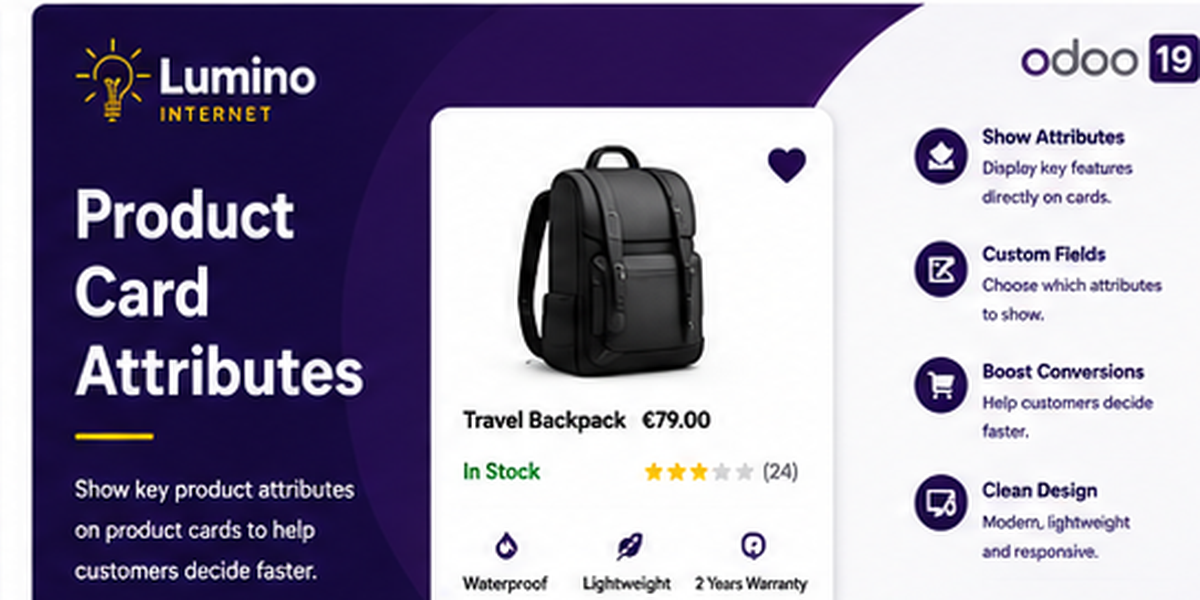
Product Card Attributes
Show selected product attributes and values directly on your Odoo eCommerce product cards.

Useful product information at a glance
Give customers important product information without making them open each product page. Choose exactly which standard Odoo attributes appear on shop and category product cards.
Choose attributes
Enable product-card display independently for each standard Odoo product attribute.
Show or hide names
Display Color: White, Black or simply White, Black.
Control the order
Use a simple sequence value to decide which selected attributes appear first.
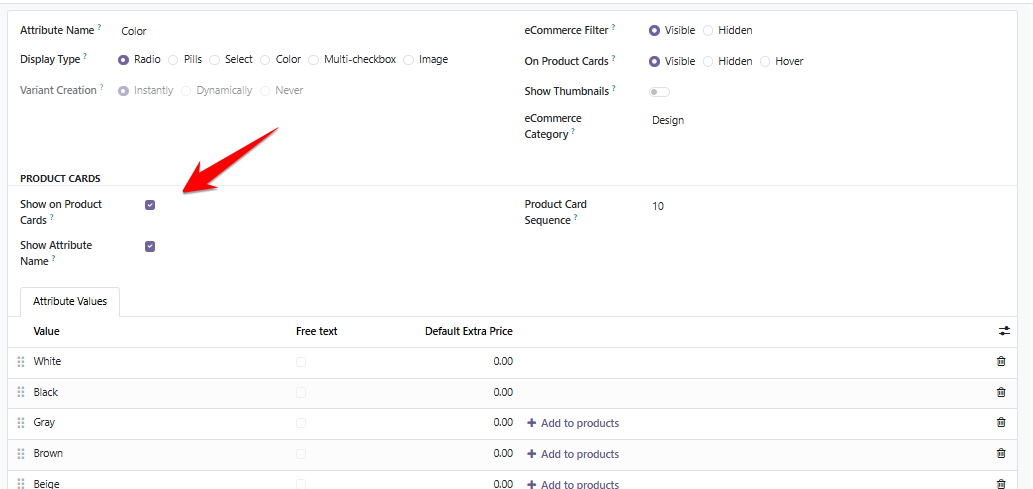
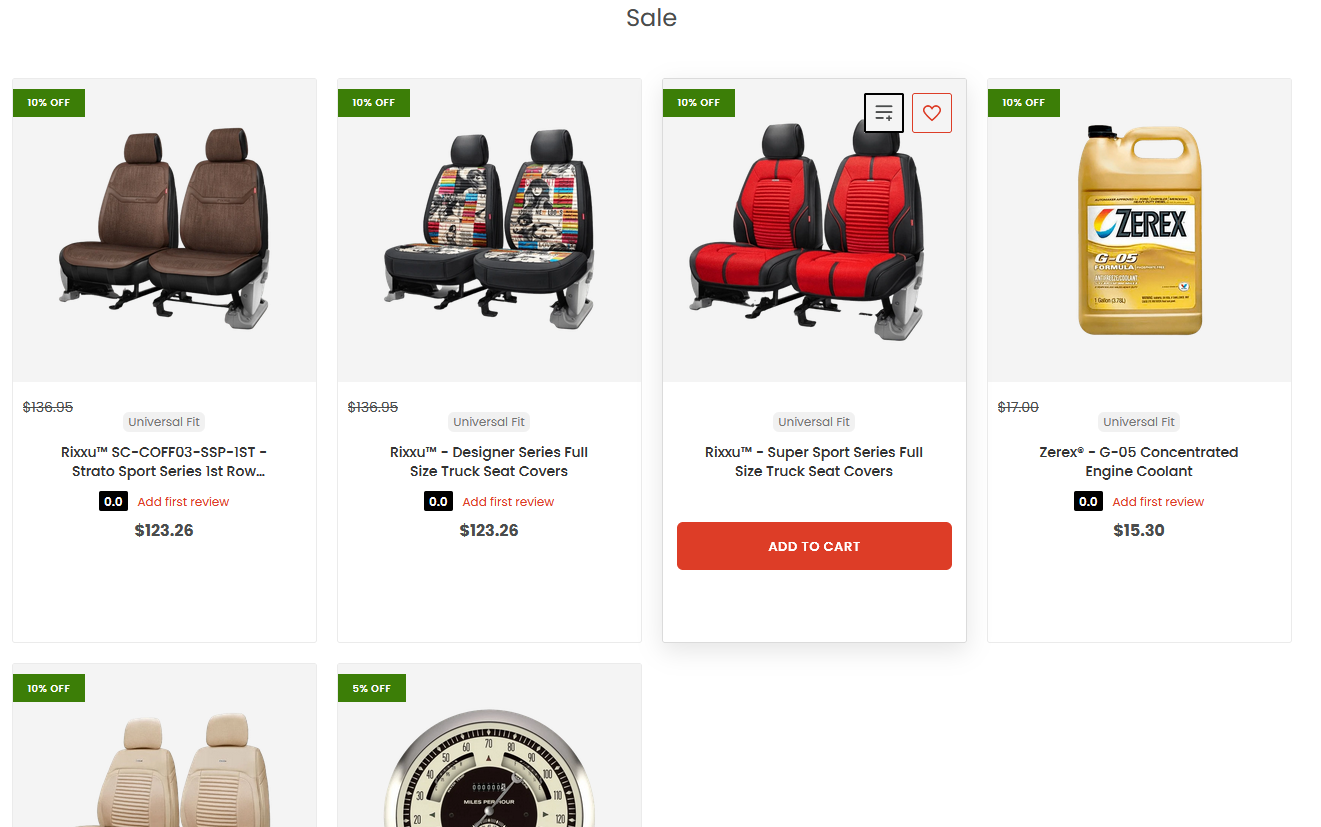
Attributes directly on product cards
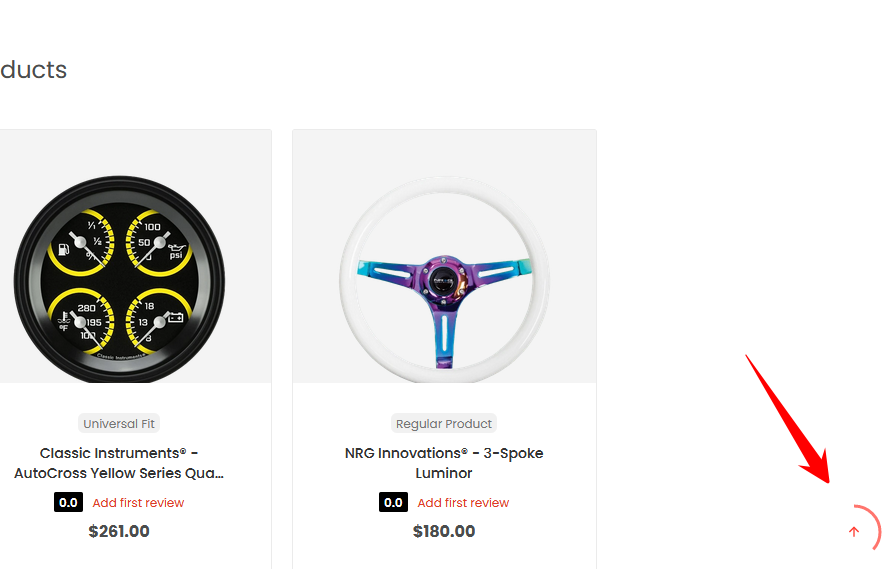
Selected attributes appear naturally with the existing product information on standard Odoo shop listings.
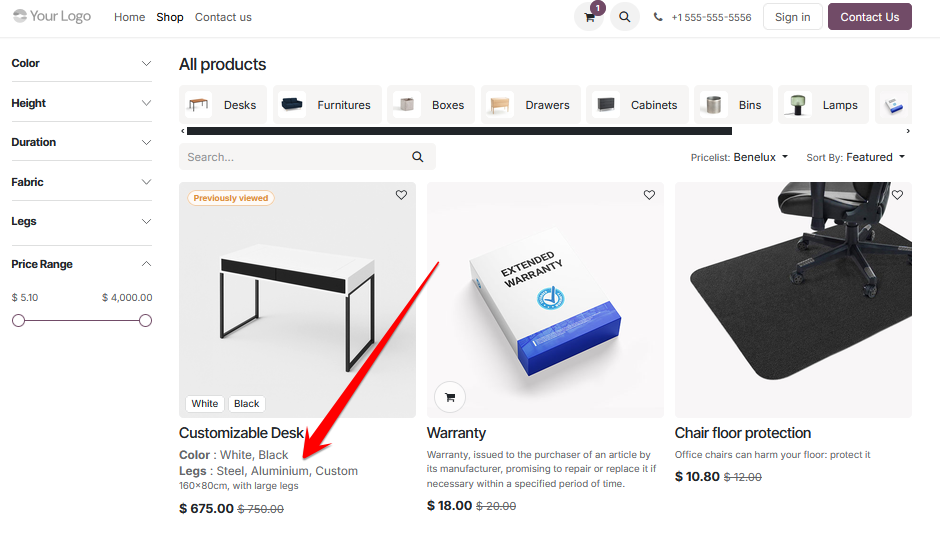
Configure each attribute
Product Card controls are added to the standard Odoo attribute screen. Choose whether the attribute appears, whether its name is displayed, and its position relative to other selected attributes.
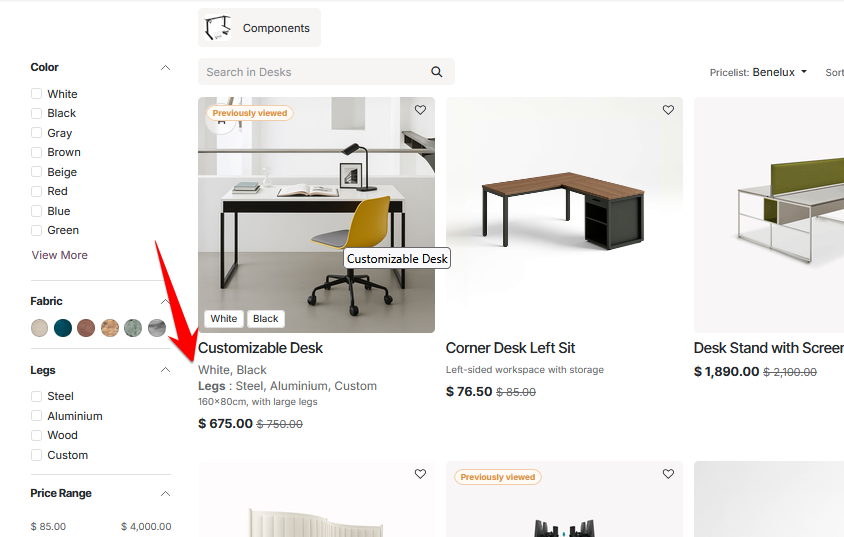
Keep cards as compact as you like
Attribute names can be controlled individually. In this example the Color name is hidden, while the Legs attribute still displays its label.
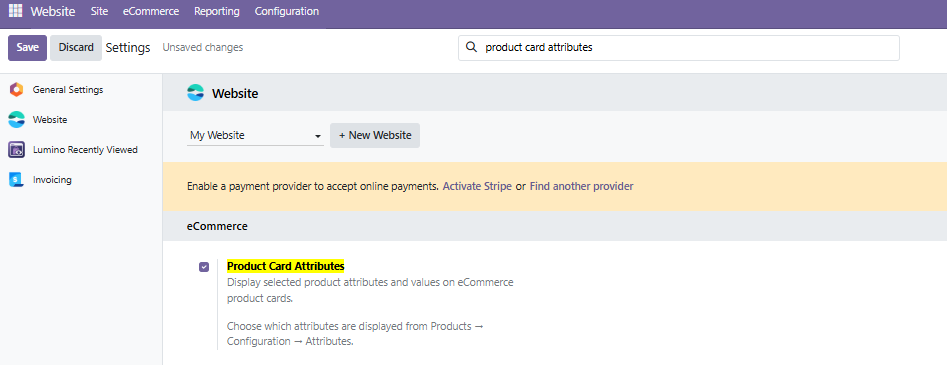
Overall enable / disable control
Turn Product Card Attributes on or off from the standard Website settings without changing the individual attribute configuration.
Built for Odoo 19 eCommerce
- Standard website_sale shop and category product cards
- Multiple selected attributes per product
- Attribute name show / hide option
- Configurable display sequence
- Overall enable / disable setting
- Uses existing Odoo product attributes and values
- Server-rendered with no frontend JavaScript dependency
- Lightweight inherited product-card template
Quick setup
1. Enable
Enable Product Card Attributes in Website configuration.
2. Select
Open an attribute and enable Show on Product Cards.
3. Present
Choose whether to show its name and set the display sequence.
Lumino
Focused eCommerce extensions for Odoo.
Lumino Support & Customisation
Need help with Product Card Attributes, or need it adapted to your Odoo setup? Contact Lumino Internet for support and customisation enquiries.









INFORMATION
EXTRAS
MY ACCOUNT
CONTACT US
-
LOCATION:
Santiago de Compostela
Galicia
N.W. Spain
-
TIME ZONE:
GMT +1 -
EMAIL
Contact Us

Copyright © 2003-2026 X-Cart Solution Center