


 Home
Home- Odoo 19 eCommerce Apps & Modules
- X-Cart 5 Themes
- X-Cart 5 Modules
- X-Cart Category Navigation
- X-Cart Mods
- X-cart SEO
- X-Cart Checkout
- X-Cart security and spam
- X-Cart Templates
- X-Cart Mobile
- x-cart Shopping Feeds
- Promos & Sales
- X-Cart Administration
- X-Cart Appearance
- X-Cart Conversion
- X-Cart Customers
- X-Cart Marketing
- X-Cart Navigation
- X-Cart Shipping Tools
- Install Services
- X-Cart Software, Extensions and Modules
- X-Cart Hosting
- Website Promotion


Lumino Advanced Wishlist for Odoo 19


Lumino Advanced Wishlist
Turn Odoo's standard wishlist into a complete multi-list wishlist system with native storefront integration, sharing, quantities, saved prices, cart actions and reminder emails.
Odoo 19Multiple WishlistsNative Heart IntegrationShareable Lists
A wishlist customers already know how to use
Lumino Advanced Wishlist takes over the normal Odoo wishlist experience instead of adding a second competing system. Customers use the familiar product hearts and header wishlist icon, then choose which named wishlist should receive the product.
Multiple named wishlists
Create separate lists for projects, gifts, favourites, future purchases or any other purpose.
Native Odoo storefront integration
Uses the familiar Odoo wishlist hearts and routes the header wishlist directly to Advanced Wishlists.
Variant-aware saving
Save the exact product variant selected by the customer.
Quantities & saved prices
Store wanted quantities and the product price at the time it was added.
Move & copy
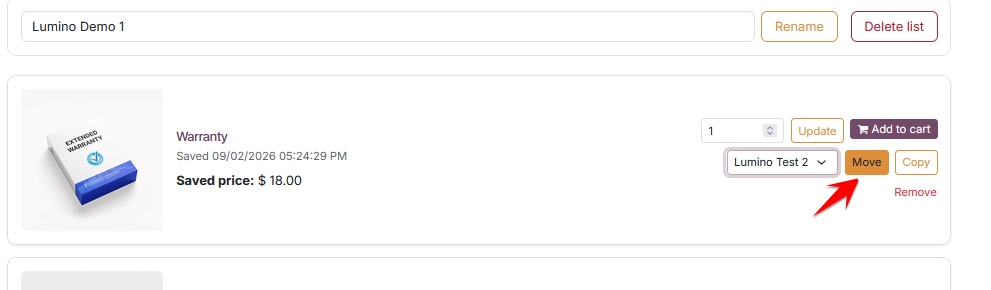
Move products between lists or copy an item to another wishlist without starting again.
Cart actions
Add individual products or an entire wishlist to the shopping cart.
Private or shareable
Create secure token-based share links, copy the link, or use the browser's native share feature.
Automated reminders
Optional scheduled reminder emails with a configurable interval.
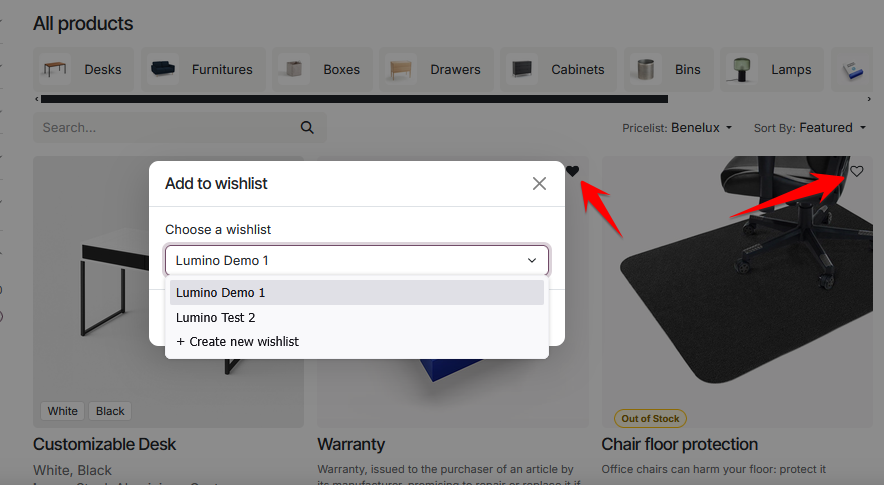
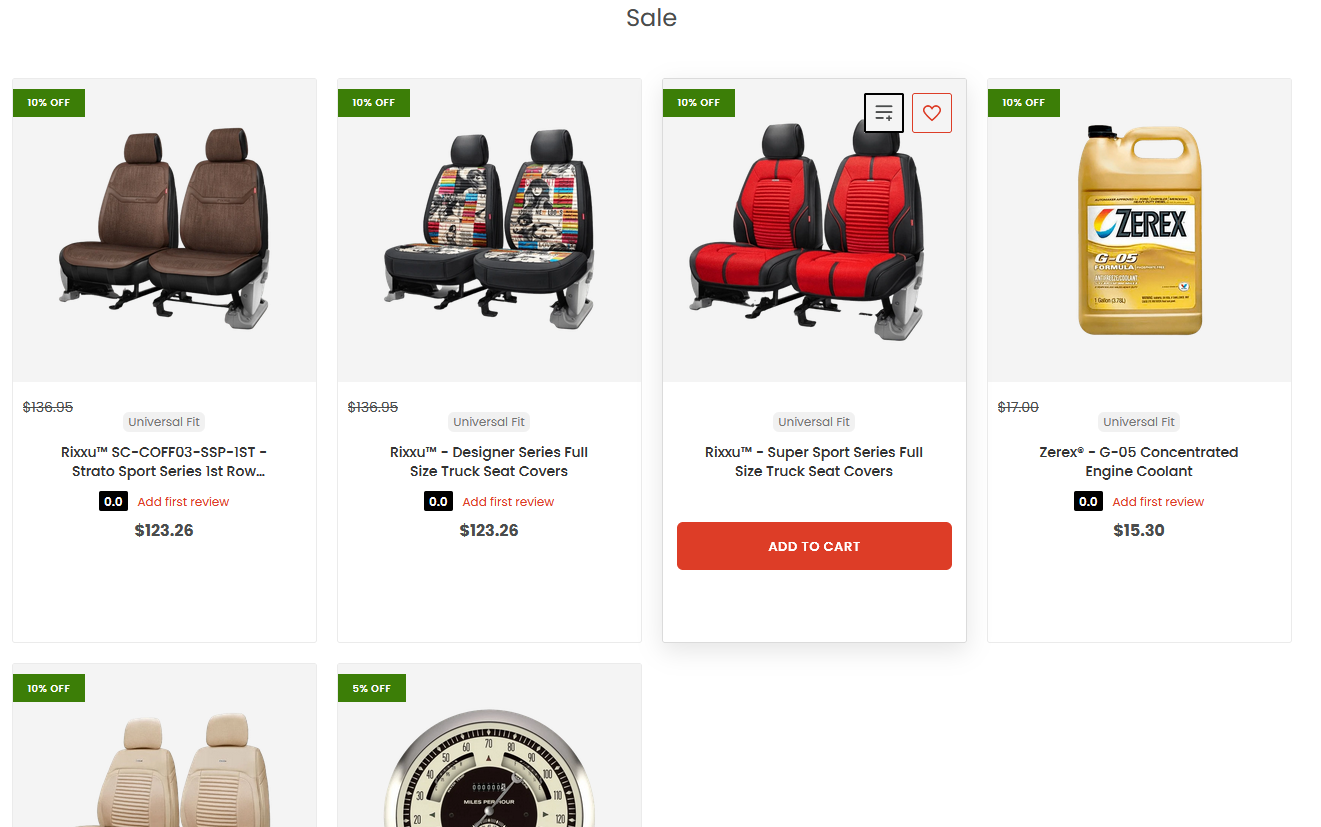
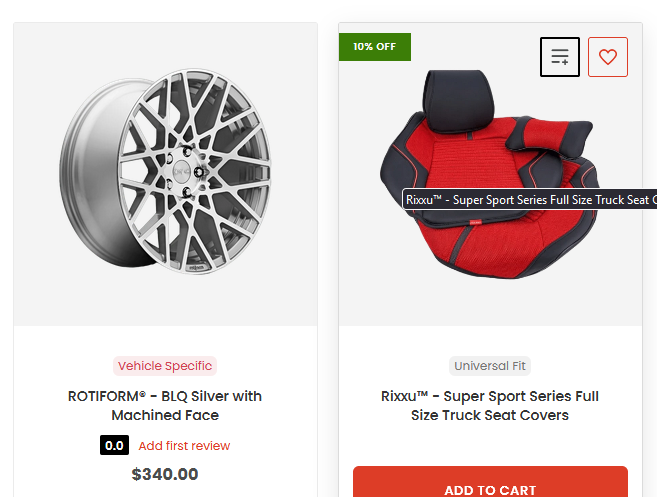
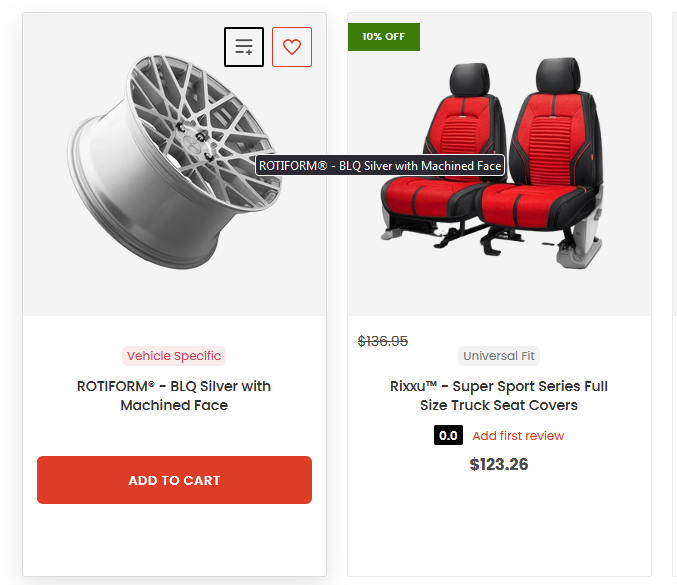
Choose the wishlist from the normal product heart
No duplicate wishlist UI. Customers click the familiar heart and select an existing list or create a new one.
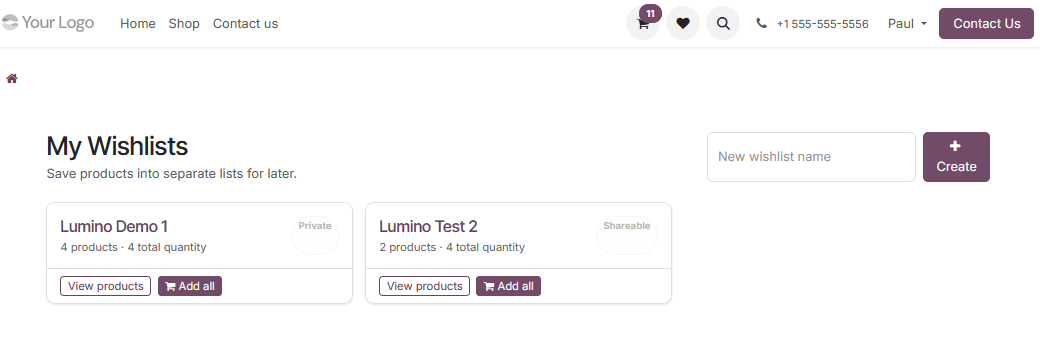
Manage multiple wishlists
See named lists, product counts, quantities, privacy status and Add All actions from one clean customer page.
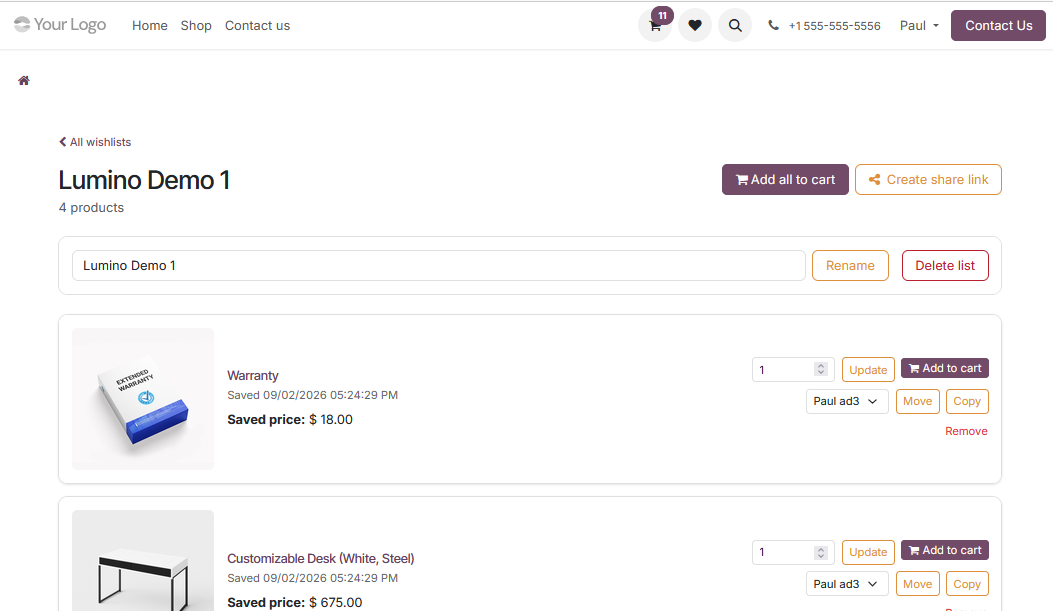
Full wishlist management
Update quantities, add to cart, move or copy products, rename lists and manage products individually.
Secure sharing controls
Make a list shareable, copy its secure link or use the browser's share menu. A shareable list can be made private again at any time.

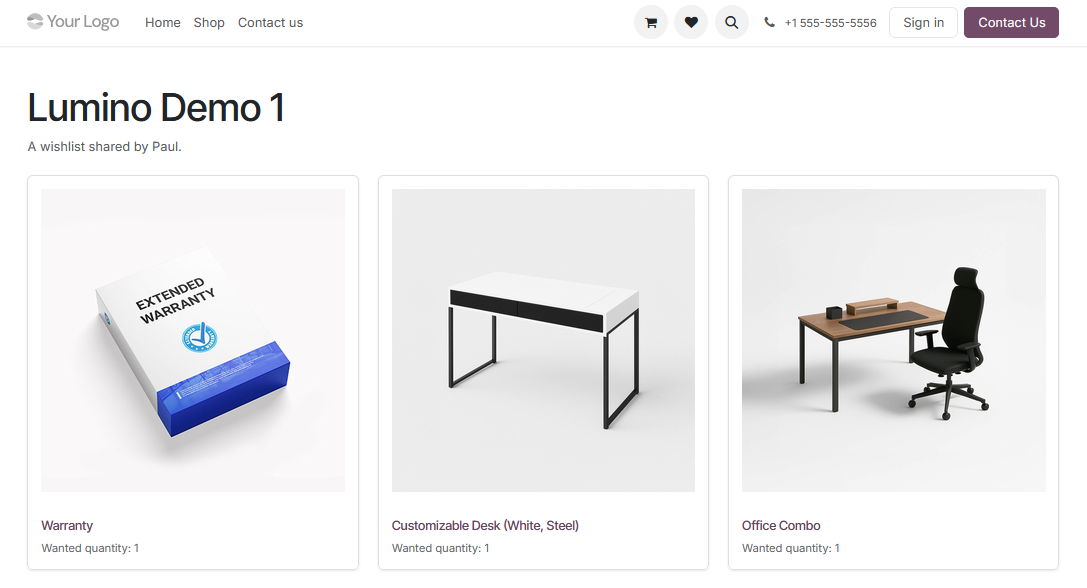
Public shared wishlist
Recipients can view a shared wishlist without signing in.
Move or copy between lists
Organise products without removing and re-adding them.
Built for store owners too
Store administrators can manage customer wishlists from the eCommerce backend and configure wishlist limits and reminder behaviour per website.
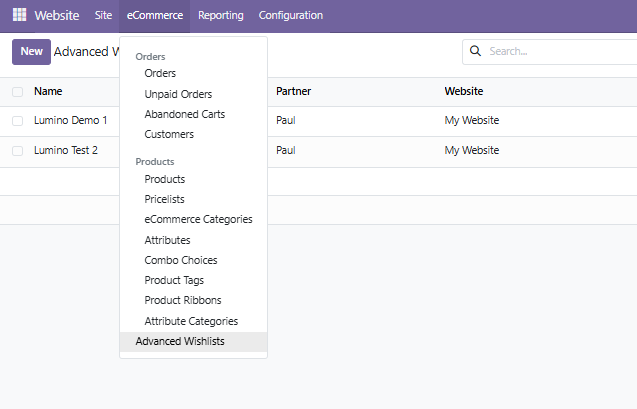
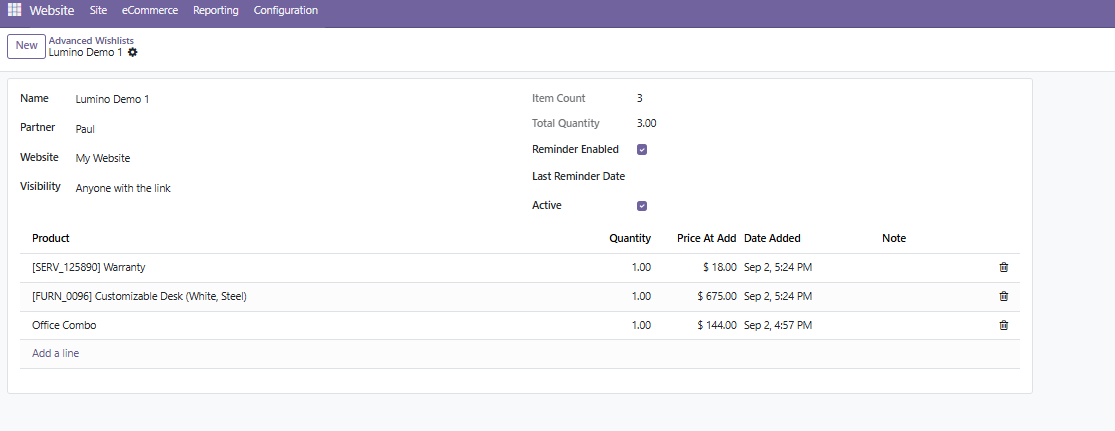
Reminder emails: optional scheduled reminders are generated through Odoo's normal mail system. Actual delivery uses the outgoing mail configuration of the Odoo installation.
Highlights
Per-website enable/disable setting
Configurable maximum lists per customer
Secure share tokens
Customer portal integration
Backend wishlist administration
Responsive storefront interface










INFORMATION
EXTRAS
MY ACCOUNT
CONTACT US
-
LOCATION:
Santiago de Compostela
Galicia
N.W. Spain
-
TIME ZONE:
GMT +1 -
EMAIL
Contact Us

Copyright © 2003-2026 X-Cart Solution Center